Track audios for ongoing statistics, favorite them as bookmarks, or save a filtered search you plan to use again.
Track audios for ongoing statistics
Track audios when you want their statistics to keep updating. Your tracked audios gives you a reliable ongoing view even after the audio is no longer popular enough to appear regularly in general discovery.
To start tracking:
- Open Your tracked audios.
- Choose Track new audio.
- Paste the TikTok audio URL and add a tracking reason if it will help you remember why the audio matters.
- Confirm the audio.
You can also open any audio from a trend chart and choose Track Audio. Tracking is the audio equivalent of tracking an account: it keeps the history you care about current.
Favorite audios to bookmark them
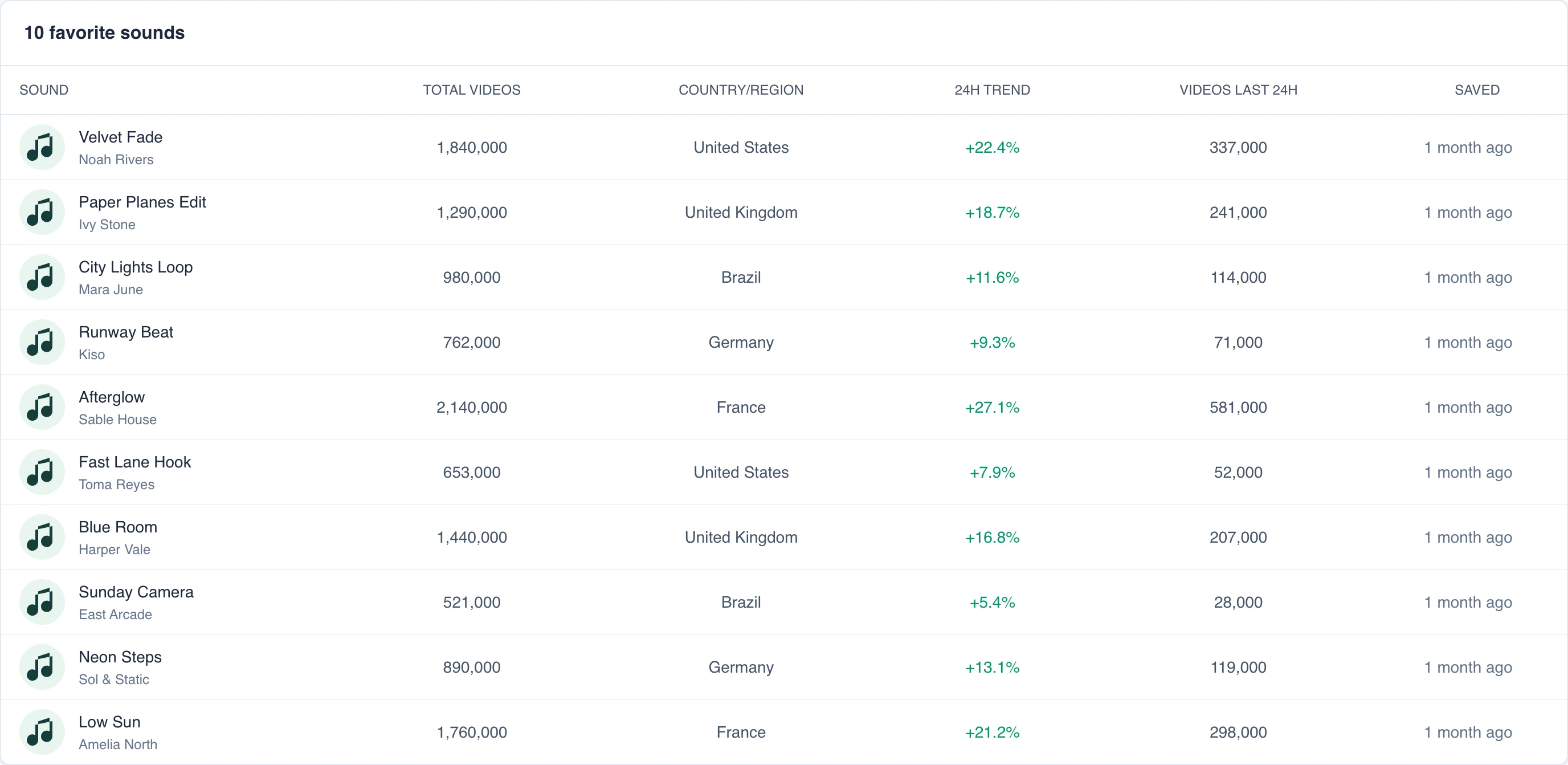
Favorite audios are bookmarks that give you a quick way back to the audio. Use Track Audio when you want its statistics to continue updating.
Use Favorite audios for audios you want to remember without committing to ongoing tracking.
Open the audio and choose Favorite. Return to it from Library > Favorite audios. Choose the favorite control again when you no longer need the bookmark.
Save a filtered search
Save a search when you regularly return to the same detailed filters:
- Open a chart from Discover and apply the filters you want.
- Choose Save this search or Save search.
- Open Library > Saved searches to run it again without rebuilding the filters.
A saved search stores its filters so you can open the same results again later.
Next steps
Understand the difference between audios and songs, or browse the trend charts.