Track an account to see which content is working, how the account is developing, and where there may be room to improve. You can follow your own account or a creator you manage or work with.
Add an account
- Open Library > Tracked TikTok accounts.
- Choose Track a TikTok account.
- Enter the username and choose Search.
- Check the result, then choose Confirm.
The first analytics usually appear within a few minutes. Insights that compare performance over time become more useful as the account builds history.
Before you confirm, Tokchart shows whether your plan has room for another tracked account. Open Billing & Invoices from your account menu to see your current allowance, or compare plans.
Explore the account
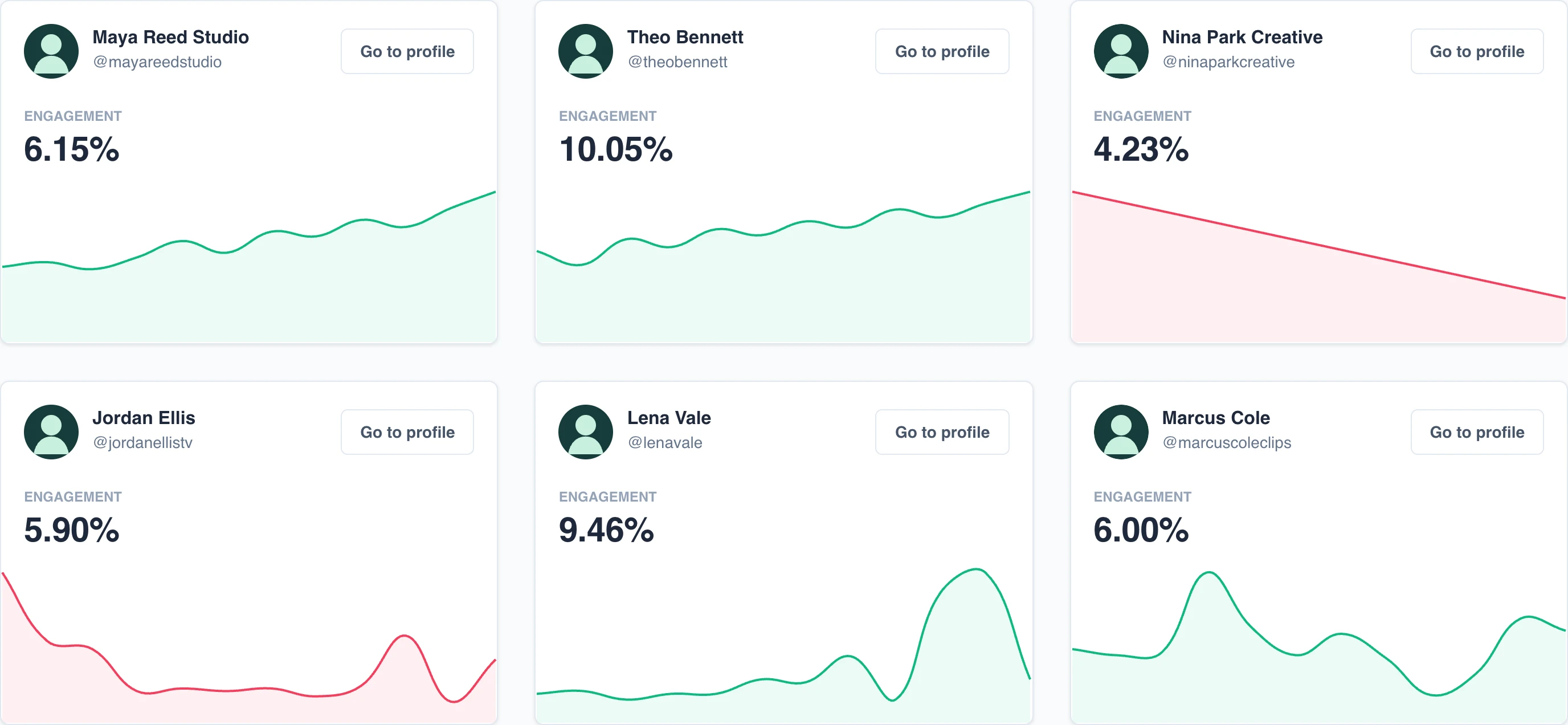
Open Library > Tracked TikTok accounts and choose an account.
The account is divided into Overview, Engagement, Time Analytics, Audience, Hashtags, and Videos. Together, these sections show how the account and its content perform over time.
Stop tracking an account
Open the account and choose Stop tracking. This frees a place in your tracked-account allowance and removes the account from your dashboard. If you track it again later, data for the time it was not tracked may be missing.
Next steps
See when account analytics update, or search for accounts and content.