Find your way around
Open a group in the main navigation to see its features:
- Discover contains TikTok audio and song charts, creator rankings, artist rankings, and Instagram audios. It also contains Radar, which finds very early audios for music discovery teams with Discovery access.
- Campaigns contains TikTok and Instagram campaigns and pre-campaign rosters.
- Library contains your TikTok accounts, tracked songs, favorite audios, and saved searches.
- Tools contains Genius Reports, the engagement calculator, and creator search.
Features included with your plan
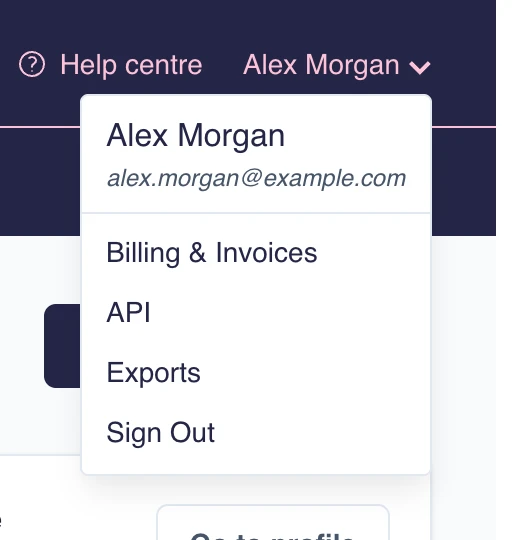
Business, Discovery, and Add-on labels show that a feature needs the named plan or extra access. Compare plans, or open your account menu and choose Billing & Invoices to review or change your subscription.
Find help
Open the Help centre to browse by topic or search for a feature, button
label, or task such as add account. If an article does not solve the problem,
choose Contact support at the end of the article.
Next steps
Start with Get started with Tokchart, or begin monitoring a creator with tracked accounts.